Vysor Features
A complete breakdown of every capability that makes Vysor the most trusted screen mirroring and remote control solution for Android and iOS.
Screen Mirroring & Remote Control
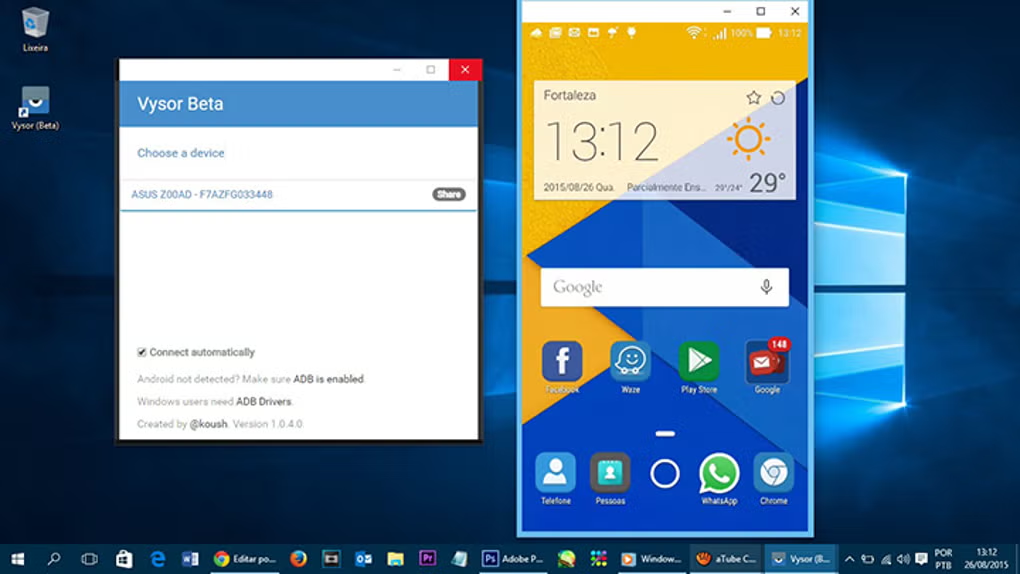
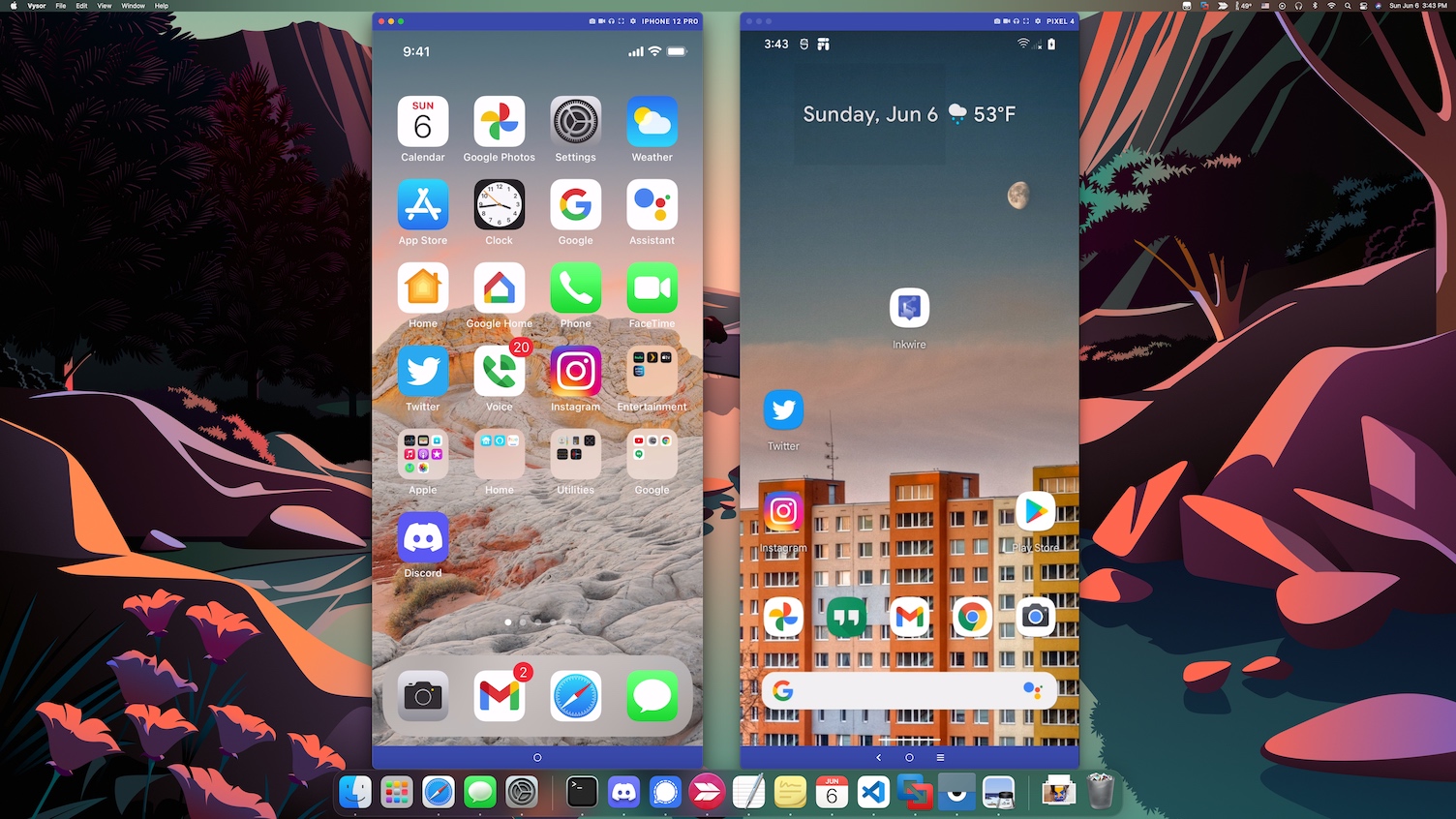
Vysor creates a live, interactive window of your Android or iOS device directly on your desktop. The mirrored display updates in real time, allowing you to see notifications, app interactions, and screen changes as they happen without touching your phone.
- ✓ Low-latency streaming for responsive interactions
- ✓ Fullscreen mode for immersive viewing
- ✓ HD quality mirroring with Pro plan
- ✓ Smart display scaling for any monitor size
Keyboard & Mouse Integration
Transform your mobile experience by using your desktop peripherals. Type messages, edit documents, and navigate apps at full speed with your physical keyboard. Your mouse enables precise clicking, scrolling, and gesture simulation.
- ✓ Full keyboard typing support across all apps
- ✓ Point, click, and scroll with your mouse
- ✓ Gesture simulation for multitouch actions
- ✓ Copy and paste between desktop and device
Pro Tip
Use keyboard shortcuts to take screenshots instantly or toggle fullscreen without reaching for your device.
Wireless & USB Connectivity
Choose the connection method that fits your workflow. USB delivers the lowest latency and most stable experience, while Wi-Fi gives you the freedom to move around without cables. Vysor makes switching between modes effortless.
- ✓ USB mode for near-zero latency
- ✓ Wi-Fi mode for cable-free convenience
- ✓ Automatic reconnection on network changes
- ✓ Cross-platform desktop clients
Note
Wireless mirroring requires a Pro subscription. Free tier supports USB connections only.
Screenshots & Screen Recording
Capture your mobile screen directly from your desktop. Take instant screenshots for documentation or record full video sessions for tutorials, bug reports, and presentations. Everything is saved to your PC for easy editing and sharing.
- ✓ One-click screenshots saved to desktop
- ✓ Full screen recording in Pro version
- ✓ High-quality output for professional content
- ✓ Ideal for app demos and tutorials
Advanced Capabilities
Beyond basic mirroring, Vysor offers powerful tools for professionals who demand deeper control and insight.
Device Inspection
Examine connected devices in detail. View device model, Android version, screen resolution, and connection status at a glance. Pro users can inspect running processes and ADB logs directly within the interface.
View guideConnection Monitoring
Monitor connection health in real time. Track frame rate, bitrate, and latency metrics to optimize performance. Identify network bottlenecks and switch connection modes on the fly for the best experience.
View guideAdvanced Permissions
Leverage standard Android Developer Options and ADB permissions for full device access. No root required. Enable USB Debugging once and enjoy unrestricted mirroring and control across sessions.
View guidePerformance Insights
Adjust resolution, bitrate, and frame rate to balance quality against system resources. Pro users unlock HD mirroring and higher frame rates for smoother animations and gaming.
View guidePlugin Support
Integrate Vysor into your existing toolchain. Compatible with Android Studio workflows, CI/CD pipelines, and custom automation scripts via ADB bridge access.
View guideMulti-Device Management
Connect and switch between multiple devices from a single dashboard. Ideal for QA teams testing across different screen sizes and Android versions simultaneously.
View guideExperience Every Feature Risk-Free
Start with the free version and upgrade to Pro whenever you are ready. No account required to try.
Download Vysor